
Aviation headsets are exposed to constant movement, handling, and repeated connections every time a pilot enters the cockpit. For owners of a Lightspeed Zulu headset, the cable is one of the components that can experience noticeable wear over time. A damaged cable can affect sound quality, microphone communication, or the connection between the headset and aircraft. Fortunately, finding the right Lightspeed Zulu cables and wires replacement can be a practical way to restore an existing headset without replacing equipment that is otherwise working properly.
Understanding the different cable problems, replacement considerations, and maintenance practices can help pilots make a more informed decision when their Lightspeed Zulu headset begins showing signs of cable-related wear.
A Damaged Cable Can Affect More Than Just the Audio Coming Through Your Lightspeed Zulu Headset
When a headset cable starts to fail, the problem may not always be immediately obvious. Some cable issues appear as occasional static or audio interruptions before becoming more serious. A pilot may notice that sound changes when the cable is moved or that communication becomes inconsistent during use.
The cable carries important audio and communication signals, making its condition an important part of headset reliability. A damaged section can affect speakers, microphone communication, or the connection to the aircraft.
If the headset itself remains in good condition, replacing the affected cable may be a sensible alternative to purchasing a completely new unit.
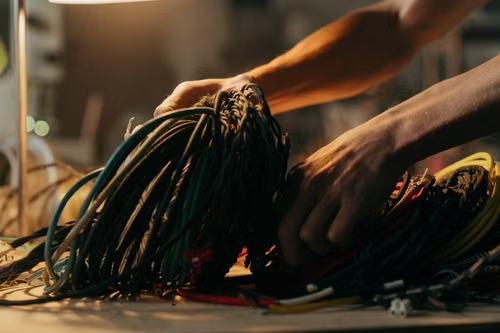
Intermittent Sound and Microphone Problems Can Be Early Indicators of Cable Wear
One of the first things pilots may notice when a cable develops an issue is intermittent performance. Audio may work normally one moment and disappear the next, particularly when the cable is moved or repositioned.
Microphone performance can also be affected. If other cockpit equipment is working normally but communication through the headset becomes inconsistent, inspecting the cable and connectors is worthwhile.
Visible damage provides another important warning. Frayed insulation, cuts, unusual bends, exposed wires, or damaged connector areas should be addressed rather than ignored.
The Exact Lightspeed Zulu Model Matters When Looking for a Replacement Cable
The term “Lightspeed Zulu” covers a family of aviation headsets, and cable configurations may differ between models. This makes identifying the exact headset especially important before ordering a replacement.
A Lightspeed Zulu replacement cable should be selected based on the specific headset model and connector configuration. Purchasing a cable simply because it is advertised as being for a Zulu headset does not necessarily guarantee compatibility.
Before ordering, check the model designation, connector type, cable configuration, and product specifications. This simple verification can save time and reduce the risk of purchasing an unsuitable replacement.
Connector Condition Should Be Checked Before Ordering New Lightspeed Zulu Wires
Sometimes the cable is not the only possible source of a headset problem. A connector that is loose, damaged, dirty, or improperly seated can create symptoms that resemble a cable failure.
Inspect the connector carefully and check for visible physical damage. The aircraft-side connection should also be considered when troubleshooting intermittent audio.
If the cable appears damaged, however, replacing it with an appropriate Lightspeed Zulu wires replacement may be the most straightforward solution. When the cause of the problem is unclear, professional inspection can help identify the faulty component.
A Good Lightspeed Zulu Replacement Cable Should Match the Original Connection Requirements
Choosing a replacement cable is not simply about finding something that looks similar. The cable needs to match the headset’s connection requirements and intended configuration.
Pay attention to connector design, cable length, model compatibility, and any manufacturer specifications provided with the replacement. A properly matched cable should connect securely without excessive force or modification.
For pilots who rely on their headset for regular communication, choosing a compatible component is more important than selecting a replacement based solely on its price.
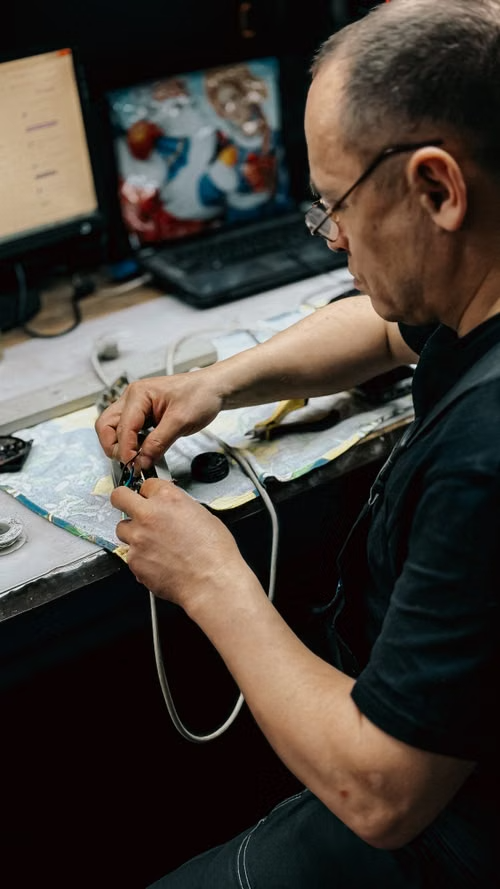
Repeated Bending Around the Connector Can Shorten the Life of a Headset Cable
The area where a cable meets a connector can experience significant stress. Repeatedly bending the cable at the same point, pulling on it while disconnecting, or tightly wrapping it can gradually weaken the wiring inside.
This is one reason proper handling matters even after installing a new Lightspeed Zulu headset cable. Disconnect the headset by holding the connector rather than pulling the cable itself.
When storing the headset, avoid tight loops and sharp bends. A loose, controlled coil can reduce unnecessary stress on the internal wires.
Keeping a Lightspeed Zulu Cable Dry and Protected Can Help Prevent Premature Wear
Environmental conditions can also influence the condition of headset components. Moisture, excessive heat, dirt, and improper storage can contribute to material deterioration over time.
After use, store the headset in a suitable protective case and avoid leaving the cable compressed underneath heavy items. Keeping the headset protected during transportation can prevent accidental bends and connector damage.
Simple storage habits can make a noticeable difference in the long-term condition of Lightspeed Zulu cables and wires.
Choosing the Right Lightspeed Zulu Cables and Wires Replacement Helps Protect Your Existing Headset
Replacing a worn cable can be a straightforward way to maintain a Lightspeed Zulu headset that is otherwise in good working condition. The most important step is selecting a replacement that matches the exact headset model and connection requirements.
Whether you are searching for Lightspeed Zulu cables and wires replacement, Lightspeed Zulu replacement cables, Lightspeed Zulu headset cables, or Lightspeed Zulu wiring parts, always verify compatibility before purchasing.
A suitable replacement, combined with careful handling and proper storage, can help keep your aviation headset dependable for longer. By paying attention to cable condition and addressing problems early, pilots can maintain their equipment and reduce the inconvenience associated with unexpected headset failures.
